Technology within reach. Ministry with depth.CHURCH AI LAB
AI FOR EVERYDAY MINISTRY
AI for the work.
Room for ministry.
We help churches discover practical ways to use AI.
From hands-on consulting to bulletin and Shorts workflows,
we work together to reduce recurring tasks.
Move your pointer. Give it a click.
OUR SERVICES
Start where
it matters.
Before adding another tool,
let’s understand what is getting in the way.
Church AX · AI-enabled workflows01 / 05
Beyond individual use.
A more capable team.
From workflow assessment to team onboarding and on-site or Zoom workshops, we build an AI adoption roadmap around your church’s work and help staff put it into practice.
Assess workflows and AI use↓Team onboarding · on-site or Zoom training↓Apply, review and standardize
Explore the process ↗
01 / AI CONSULTING
AI that fits
your church’s work.
Identify a starting point, learn through practice,
and connect it to the work you do each week.
On-site visitsZoom workshopsStaff training
- 01
Assess ministry workflows
We review your tools, materials and recurring work, then prioritize where AI could help.
AI opportunities and priorities for your church - 02
Train the whole ministry team
Administrative, media and education staff practice with their own materials. On-site and Zoom workshops cover requests, execution and review.
Role-specific methods and working prompts - 03
Apply and standardize
We apply workflows to real tasks such as bulletins and Shorts, review the results with staff, and document shared procedures and checks.
An AI adoption plan and shared working standards
02 / SERMON SHORTS
One sermon.
More ways to connect.
“Create six Shorts from this sermon.”
From requests and revisions to YouTube uploads,
we connect a workflow that fits your church.
Set up together.
Then ask in words.
We first configure the tools around your church’s video and caption style. After setup, you can describe the results and changes you need.
- 01
Share the sermon and the result you want.
Start with the source video or an accessible church YouTube link. Specify the count, length and focus—for example, six clips of about 45 seconds centered on the main message.
- 02
Run the AI-written code in your production setup.
We connect sermon analysis, clip selection, vertical framing, titles and captions. The code runs on a configured church computer or server to produce video files.
- 03
Describe the changes you want.
“Make the captions larger.” “Shorten the second clip by ten seconds.” “Use a simpler title.” Updated code and settings carry your instructions into the next version.
- 04
Review, then publish.
After checking the sermon’s context and captions, you can upload to your authorized church channel with titles and descriptions. Batch uploads and scheduled publication can be configured around your process.
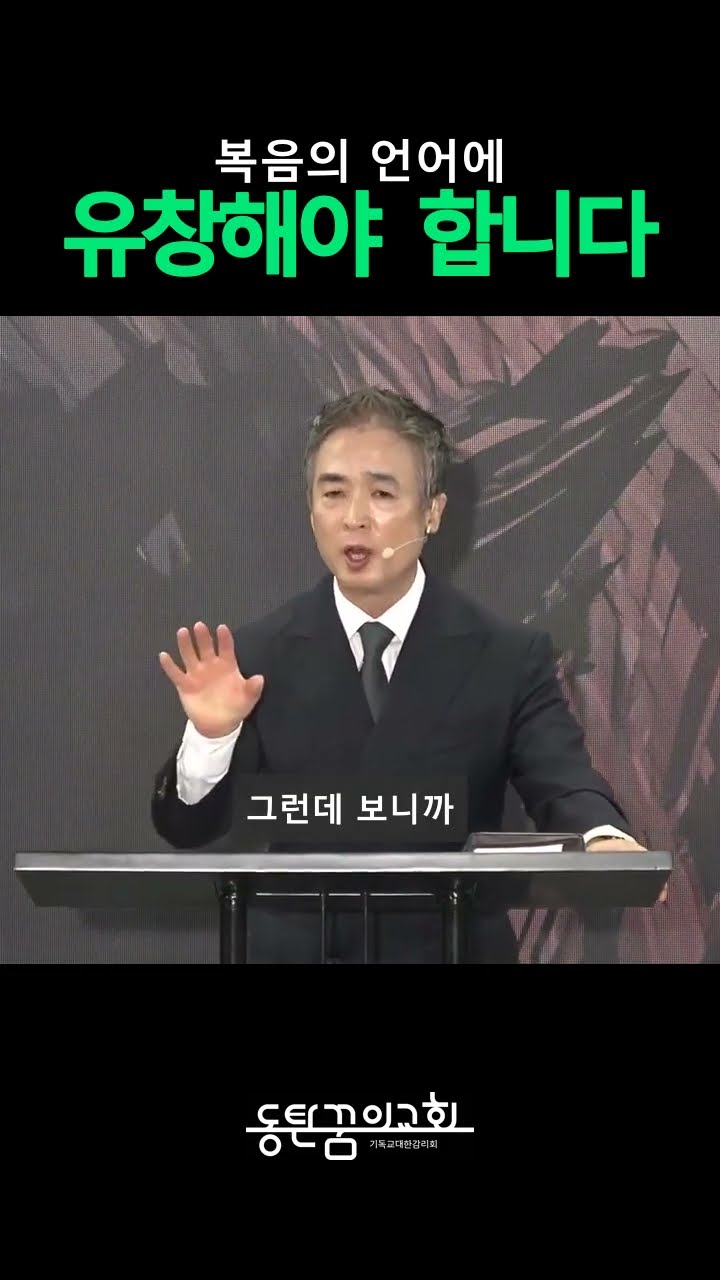
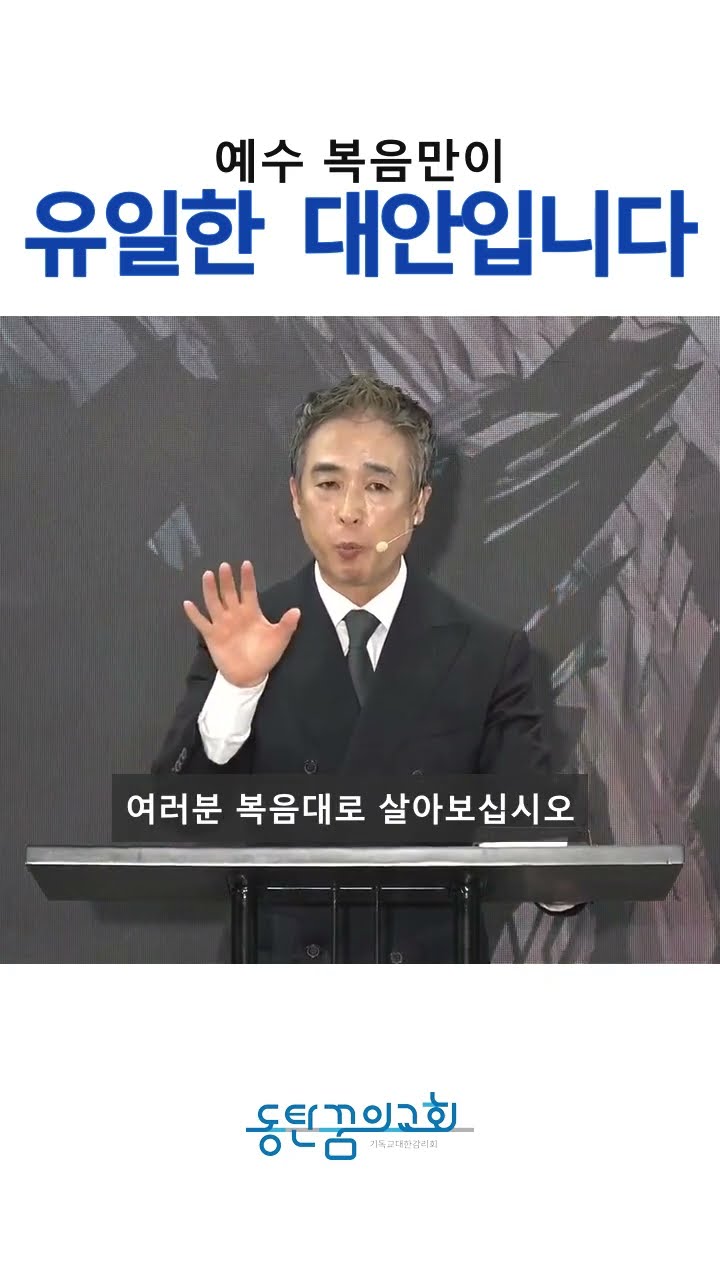
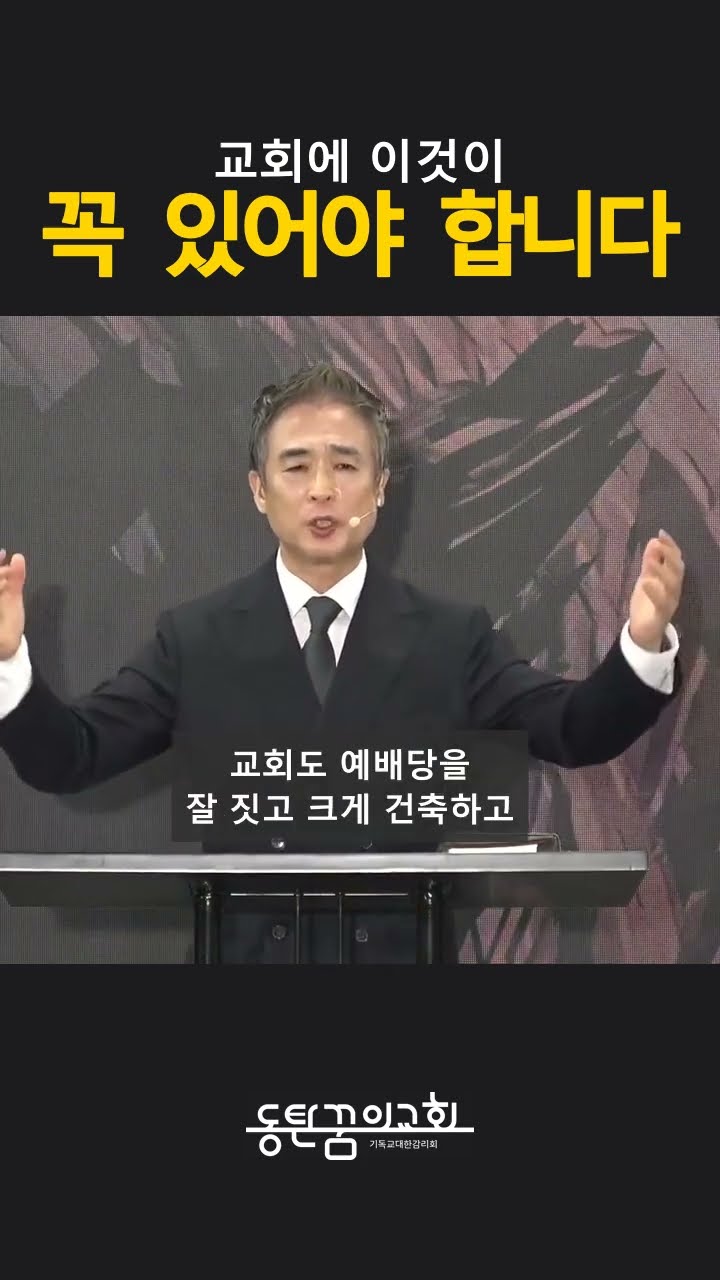
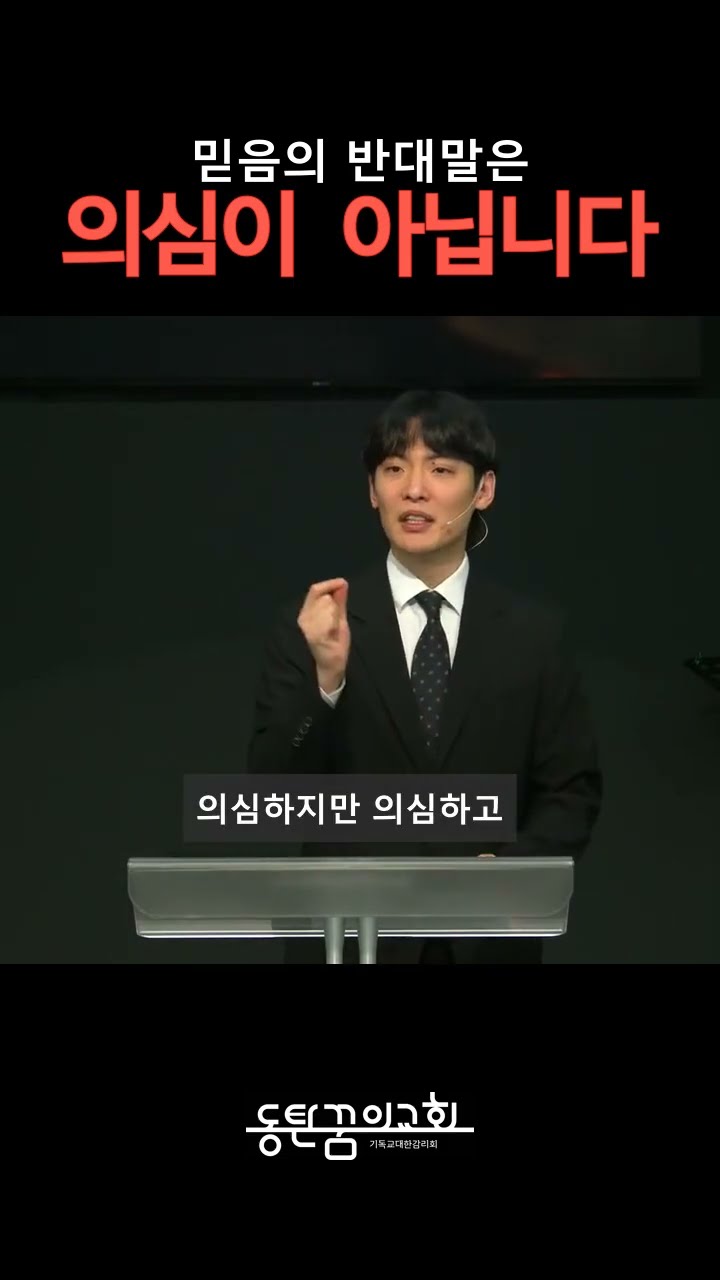
FROM OUR KOREAN-SPEAKING CHURCH
Sharing the Word in everyday life.
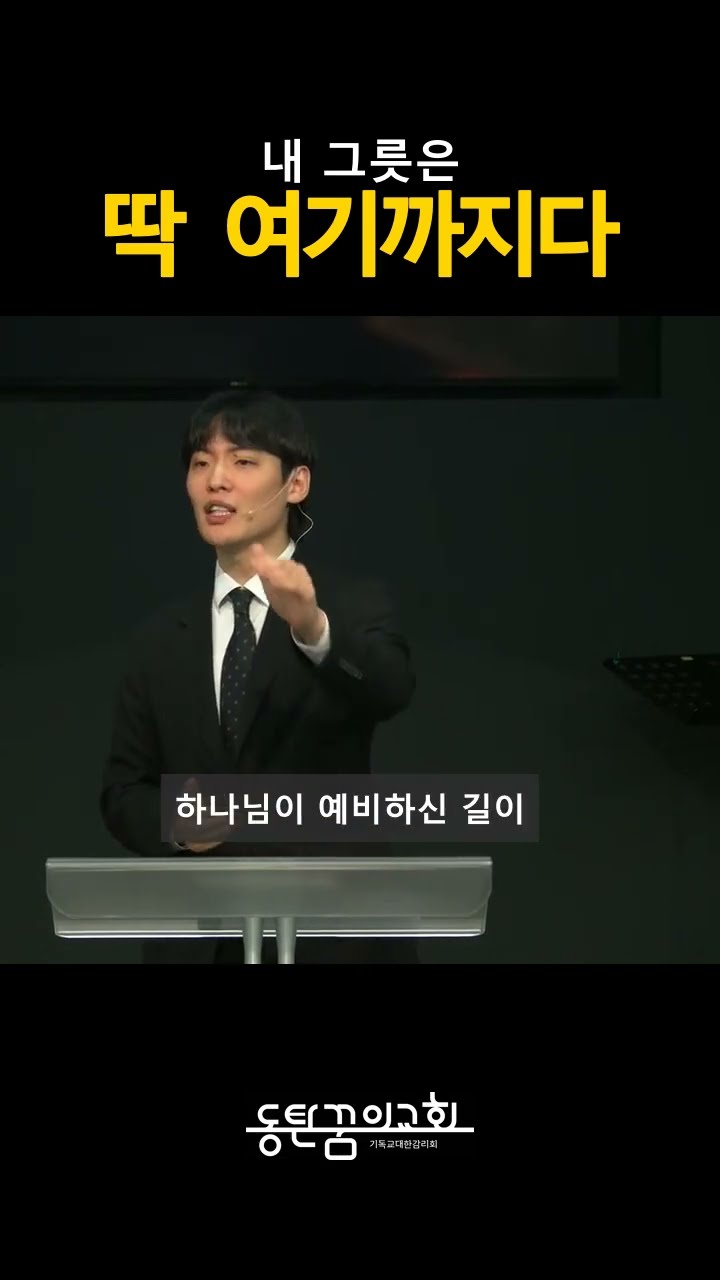
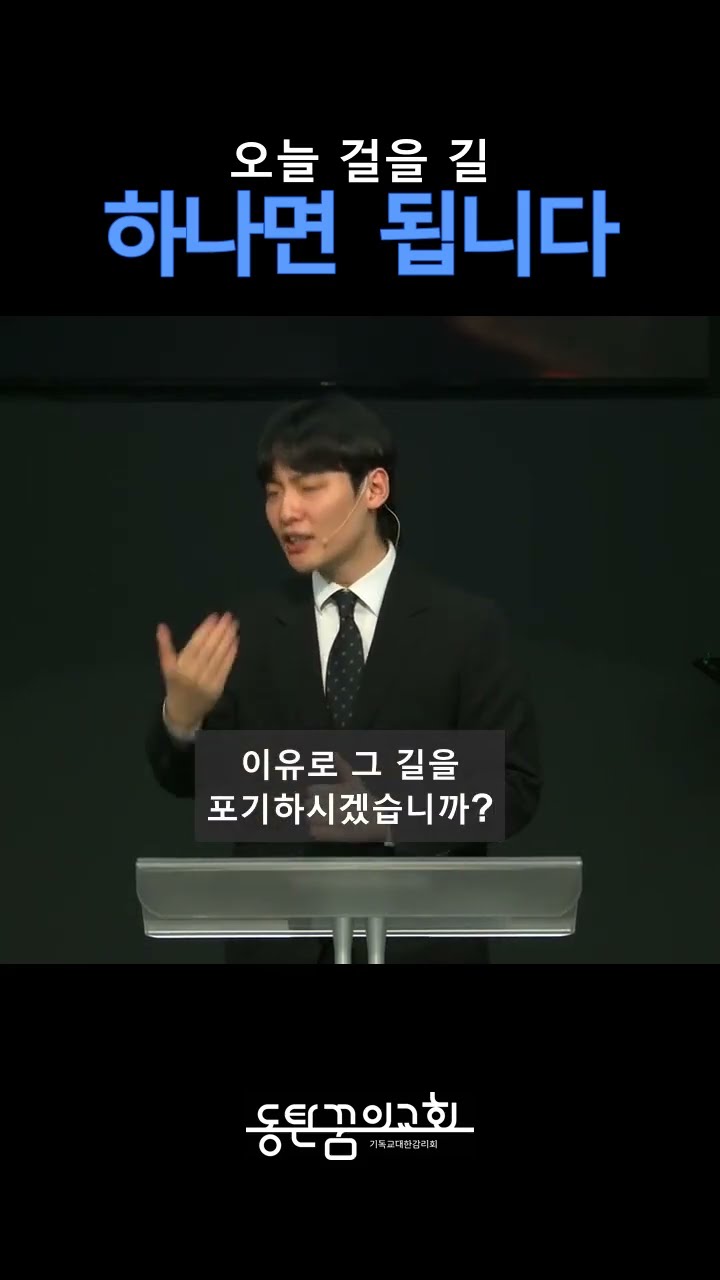
BEFORE YOU START
Questions,
answered.
Can we start with a YouTube link and no manuscript?
Yes, with an accessible church video link or source file. Transcription helps identify passages, while a manuscript can improve caption and Scripture checks. Use the original file when a link cannot be accessed or downloaded.
Does receiving code immediately produce a video?
A working environment comes first. We configure video tools, captions and design standards, then connect the generated code to execution. Once this is in place, your work can focus on requests and revisions.
How are sermon passages selected?
Candidates are chosen for the core message, context, completeness and length. You can specify themes to emphasize or passages to exclude. A ministry team member checks that the meaning is preserved.
Can we make six or ten videos at once?
Yes. We can configure a batch workflow with a requested count. The final number and length depend on whether the sermon contains enough suitable passages.
Can we request changes in words?
Yes. After setup, you can ask for two-line captions, a different opening or a 30-second third clip. The AI updates code and settings for another run. Staff still review the results, and new styles or tools may require additional setup.
Can the workflow include YouTube uploads?
Yes. With your church account’s upload authorization, production can connect to titles, descriptions, uploads and scheduled publication. We agree the publishing settings, schedule and final checks first.
Can we keep our church’s captions and design?
We can configure your logo, fonts, colors, title positions and caption sizes. The same standards can carry into future videos, with changes requested as needed.
What does it cost?
There is no separate Shorts software subscription in this setup. We use an existing ChatGPT Plus or Claude Pro subscription (or higher) and your church computer, within the plan’s included usage. Initial training and setup are quoted separately.
Start with one sermon from your church.
03 / SERMONS & BOOKS
Your sermons. One book.
We organize the insights in your expository or series sermons
and shape a manuscript that preserves your voice.
WHEN YOU WANT HELP WITH YOUR MANUSCRIPT
From collected sermons
to a readable manuscript.
We develop a central theme and chapter structure, reduce repetition and connect the material into a coherent flow. Editing is collaborative, with the author reviewing the content and final manuscript.
- 01Structure
Theme · readers · chapters
- 02Editing
Flow · wording · repetition
- 03Book preparation
Author review · proofreading
Tell us what you have and where you need support.
04 / BULLETIN AUTOMATION
Weekly bulletins.
Less repetitive entry.
We collect the order of service and announcements
to prepare a draft in your church’s format.
Your team focuses on checking and finishing.
WHAT WE START WITH
Your current bulletin file This week’s service details
What we automate
- Organize inputs
- Service order, sermon title, Scripture and announcements
- Prepare a draft
- Recurring entry and placement in your church’s layout
- Apply revisions
- Regenerate the bulletin with updated information
HOW WE WORK
Understand the work.
Then choose the tools.
Every church has its own people, tools and ways of working.
Together, we define a change your team can actually use.
- 01
Meet your church.
We talk with ministry and operational staff
and review the current tools and workflows. - 02
Identify useful applications.
We look for tasks where AI could help
and suggest a direction that fits your church. - 03
Put it into practice.
We agree a scope for bulletin or Shorts automation,
then implement and review it with your staff.
Our team
Ministry experience.
Practical change.
A team that listens, explores possibilities
and turns them into usable workflows.
- Kim Seok-hyeongFounder / Founder
- Lee Hyun-wooMembership & administrative workflows
- Ji Seung-hoonWorship & discipleship content
- Shin Tae-seobKnowledge management & AI search
- Shin Eun-chongAI workflows & media automation